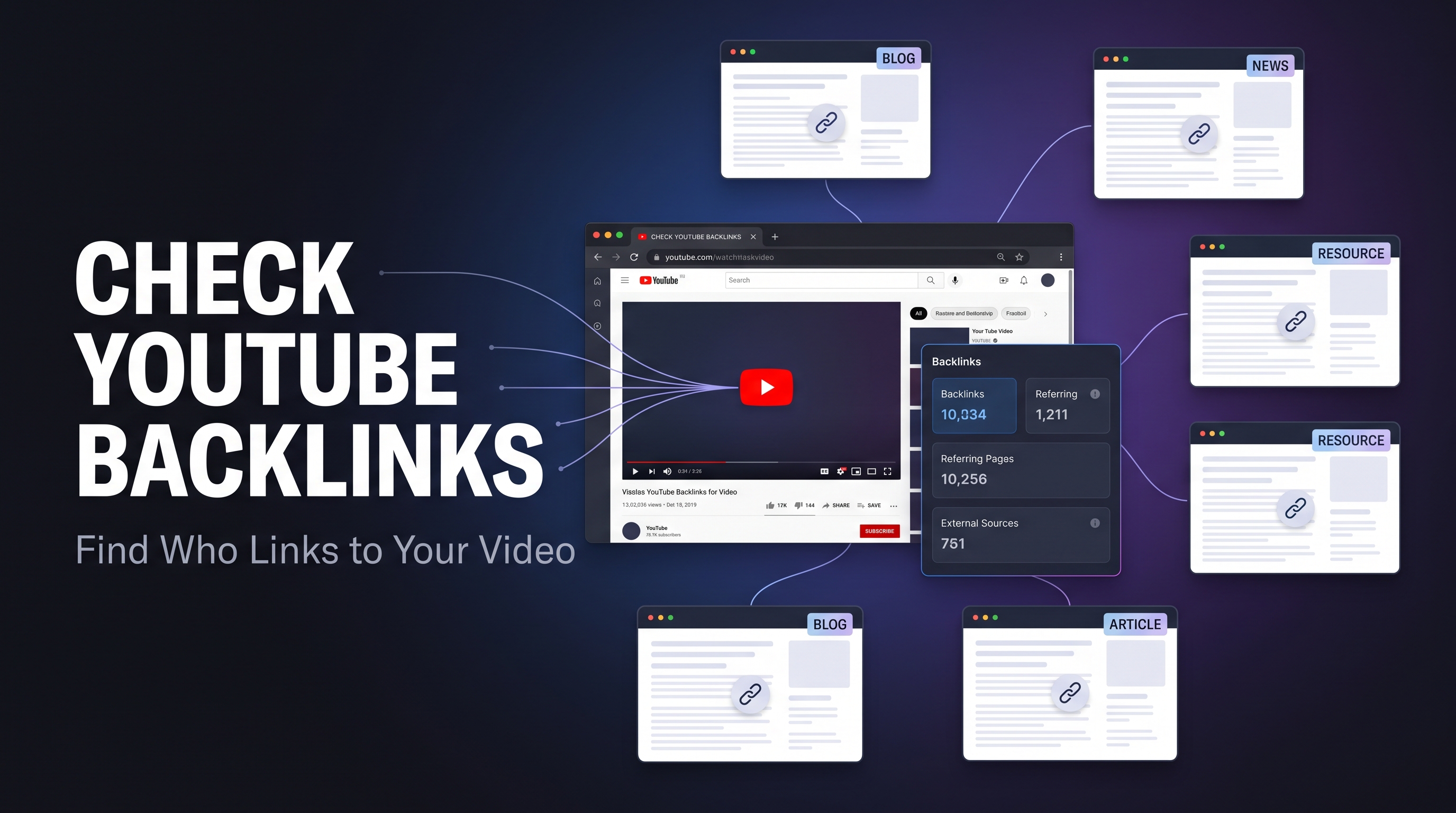
Want to know whether other websites are linking to your YouTube video?
Checking backlinks can help you understand how your video is being discovered outside YouTube, which websites are sending referral traffic, and whether your promotion efforts are actually creating useful links.
The challenge is that YouTube does not provide a simple built-in report showing every external website that links to a specific video. That is where a dedicated YouTube backlink checker can be useful.
In this guide, you'll learn how to check backlinks for a YouTube video, what backlinks actually mean, where they can come from, and how to judge whether the links you find are worth paying attention to.
What Is a YouTube Video Backlink?
A YouTube backlink is an external link from a website or another online property that points to a YouTube video or channel.
For example, imagine you publish a video about beginner photography. A photography blog writes an article about camera settings and includes your YouTube video as an example.
That link is a backlink to your video.
Backlinks can also appear in:
Blog posts
News articles
Resource pages
Online communities
Public web pages
Other sites that embed or reference your video
The important distinction is that a backlink is different from a YouTube view, like, or subscriber. It is primarily an external discovery path.
Can You Check Backlinks for a YouTube Video?
Yes, but there is an important limitation.
YouTube Studio is mainly designed around your own channel and video performance. It does not give creators a complete, simple list of every external webpage linking to a particular video.
Third-party backlink tools can search available web data and identify pages that appear to reference your video.
This is useful because you can enter a video URL and investigate whether your content has been mentioned or linked elsewhere.
How to Check for Backlinks to a YouTube Video
The easiest workflow is to use a dedicated backlink checker.
Step 1: Copy Your YouTube Video URL
Open the video you want to investigate and copy its URL.
It will usually look similar to:
https://www.youtube.com/watch?v=VIDEO_ID
Step 2: Open a YouTube Backlink Checker
Use a backlink analysis tool that accepts a YouTube video URL.
With a tool such as the YT Crew YouTube Backlinks Checker, you can start with the video URL rather than manually searching dozens of websites.
Step 3: Enter the Video URL
Paste your YouTube video link into the checker.
Make sure you're checking the correct video. A small URL mistake can lead to irrelevant results.
Step 4: Review the Discovered Links
Depending on the tool and the available web data, you may see information about pages that reference your video.
Look beyond the raw number.
Ask:
What website is linking to the video?
Is the page relevant to my topic?
Does the page look legitimate?
Is the link actually live?
Could the page send relevant visitors?
Is the link placed in useful content or surrounded by spam?
A list of 100 low-quality pages is not automatically better than five highly relevant mentions.
Why Should You Check Your YouTube Backlinks?
Backlink checking is useful for more than just counting links.
1. Find Where Your Video Is Being Shared
You may discover that bloggers, communities, websites, or other creators have referenced your content without you realizing it.
Those discoveries can help you understand where your content naturally gets attention.
2. Measure Your Promotion Efforts
Suppose you promoted a video through several websites.
Instead of guessing whether the outreach worked, you can check whether pages actually linked to the video.
This gives you another way to evaluate your distribution strategy.
3. Discover Referral Opportunities
A website that already links to your video may be relevant for future collaborations, content partnerships, or additional resources.
The backlink itself is not necessarily the end goal. Sometimes it reveals a useful relationship.
4. Analyze Competitor Videos
You can also investigate public backlinks associated with competitor videos to learn where their content is being referenced.
This can reveal communities, publications, resource pages, and content categories worth researching for your own content.
Are YouTube Backlinks a Ranking Shortcut?
No.
This is one of the biggest misconceptions around YouTube backlinks.
A backlink should not be treated as a magic ranking button. YouTube's own documentation says search ranking considers factors such as how well the title, description, and video content match a search and how viewers respond to the result. Recommendations are also heavily influenced by viewer personalization and video performance.
That means you should think of backlinks as one part of your distribution and discovery strategy, not a guaranteed way to rank a video.
A relevant website linking to your video can expose it to a new audience. But if those visitors do not find the video useful, the link itself does not solve the bigger problem.
What Makes a Good YouTube Backlink?
Not every backlink deserves equal attention.
A useful backlink is generally one that comes from a legitimate page with a genuine reason to reference your video.
For example:
Strong contextual mention:
A respected industry blog references your tutorial because it adds useful information to the article.
Weak mention:
A low-quality webpage contains dozens or hundreds of unrelated YouTube links with little meaningful content.
The first example has a clear audience and contextual purpose. The second is mostly noise.
Focus on relevance, context, and real users, rather than chasing the biggest possible backlink count.
Can You Buy YouTube Backlinks?
You should be careful with services promising huge numbers of instant links.
Buying or generating backlinks at scale does not automatically make a video authoritative, and aggressive spammy promotion can create low-quality signals rather than useful discovery.
More importantly, YouTube prohibits spam and manipulative behavior intended to mislead users or artificially influence engagement. Its policies also prohibit certain deceptive or harmful external-link practices.
A better strategy is to earn links naturally through useful content, outreach, collaborations, references, and genuinely valuable resources.
How Many Backlinks Does a YouTube Video Need?
There is no magic number.
One relevant backlink can be more useful than dozens of irrelevant links.
Instead of setting a target like “I need 100 backlinks,” track what the links are actually doing.
Look at:
Referral traffic
Relevant audiences reached
Video views from external sources
Engagement from those viewers
Whether the referring pages remain active
The goal is not to collect links like points.
The goal is to get your video discovered by people who actually care about the topic.
YouTube Backlinks vs. External Traffic
These two ideas are related, but they are not identical.
A backlink is a link pointing to your video.
External traffic is the actual audience that arrives through an external source.
You can have a backlink that sends almost no visitors. You can also have one useful article that consistently introduces new viewers to your video.
That is why backlink analysis should be combined with traffic and audience data whenever possible.
Final Thoughts
Knowing how to check backlinks for a YouTube video gives you a clearer picture of what is happening beyond YouTube itself.
Instead of focusing only on the number of links, investigate where those links come from, whether they are relevant, and whether they help you reach a real audience.
Use backlink checking to discover opportunities, measure promotion, research competitors, and understand how your videos are being referenced across the web.
And remember: backlinks are only one piece of YouTube growth. Strong topics, useful videos, accurate titles and descriptions, and positive viewer response still matter far more than simply accumulating links.
Try the YT Crew YouTube Backlinks Checker
Want to check your own video?
Paste your YouTube video URL into the YT Crew YouTube Backlinks Checker and see what external pages are associated with your video.
FAQ
Can I check backlinks to any YouTube video?
You can investigate publicly discoverable backlinks to a video, although the completeness of results depends on the data available to the backlink tool.
Can YouTube Studio show every backlink?
YouTube Studio is not designed as a complete external backlink database for individual videos, so third-party backlink analysis tools can be useful for additional research.
Do backlinks guarantee better YouTube rankings?
No. Backlinks do not guarantee higher rankings. YouTube search considers relevance and viewer response, while recommendations are personalized around audience and performance signals.
Are all YouTube backlinks valuable?
No. Relevance, context, credibility, and potential referral traffic are more useful measures than raw backlink quantity.