Free YouTube Tools for Creators Who Do Their Own SEO
Check a channel's monetization signals, pull the tags from a competitor's video, resize a thumbnail or plan next month's uploads. Every tool opens in your browser and works without an account.
- 62
- Free tools
- 6
- Tool categories
- 0
- Sign-ups needed
✨ Featured tool
YouTube Monetization Checker
Paste a channel (like @MrBeast) or a video link. YT Crew checks the latest videos for ads and the channel for a YouTube Shopping store, then shows what those signals suggest, how confident the result is, and a rough earnings range.
- 100% free
- No sign-up
- Ad marker check
- Earnings estimate
Video Tools11 tools
YouTube Frame by Frame Viewer
SLOW-MOStep through any YouTube video frame by frame. Move forward or back by about one frame, slow playback down to 0.25x and copy a link to the exact moment.
YouTube Backlink Generator
Turn your YouTube video link into ready-to-paste HTML, Markdown and BBCode snippets for your blog, docs and the communities you take part in.
YouTube Chapters Finder
Find the chapters of any YouTube video from its description, then copy the full chapter list or a link to any chapter.
YouTube Embed Code Generator
Create a clean, responsive embed code for any YouTube video. Set autoplay, mute, loop, start and end times, controls and privacy mode without coding.
YouTube QR Code Generator
Create a QR code for any YouTube video, Short, playlist or channel. Pick the size and colours, then download a high-resolution PNG.
YouTube Link Shortener
NEWTurn long YouTube video, Shorts, playlist and channel links into a short ytcrew.com link that's easy to share and type.
Channel Tools16 tools
YouTube Channel Name Generator
Brainstorm catchy, memorable YouTube channel names and handle ideas from your niche keyword and preferred style.
YouTube Subscribe Link Generator
Create a subscribe link for your YouTube channel. When viewers open it, YouTube asks them to confirm the subscription in a pop-up.
YouTube RSS Feed Generator
POPULARGet the RSS feed URL of any YouTube channel from its URL, @handle or channel ID. Use it in feed readers, Discord, Zapier and other automations.
Free YouTube Monetization Checker
NEWSee the public signs that a YouTube channel is in the Partner Program, like ads on recent videos or a Shopping store, with a confidence level and a rough earnings range.
Free YouTube Content Calendar With Template
NEWPlan your monthly YouTube upload schedule: long-form and Shorts dates, filming days and editing deadlines, a production checklist, and exports for Google Calendar, Sheets and Notion.
YouTube Username Generator
NEWGet @handle ideas for your YouTube channel that follow YouTube's handle rules, then check whether a channel already uses them.
SEO Tools12 tools
YouTube Category Checker
Find the category of any public or unlisted YouTube video, and see which category top videos in your niche use.
YouTube Tag Extractor
Paste a YouTube video link to see every tag the creator added in YouTube Studio. Copy one tag, copy all of them as a comma-separated list, or download them as a text file.
YouTube Hashtag Generator
Type your video's topic and pick a niche to get three groups of hashtag ideas built around that topic. Pick the few that fit your video and copy them into your description or title.
YouTube Title Generator
AITurn your video topic into 10 specific, click-worthy YouTube title ideas in seconds, free and with no sign-up.
YouTube Description Generator
AIGenerate an SEO-friendly YouTube video description with a strong hook, chapters, a call to action and hashtags.
YouTube Shorts Hashtag Generator
AIGet 10 relevant hashtags for your YouTube Short, sorted into format, niche and topic tags, with a short reason for each.
Generator Tools13 tools
YouTube Comment Mockup Generator
Design a realistic YouTube comment graphic with your own name, avatar, text, likes and badges, then download it as PNG or JPG.
YouTube Banner Resizer
Resize and position your YouTube channel banner at 2560x1440 with a safe-area guide, so your logo and text show on every device.
YouTube Thumbnail Resizer
Resize any image to YouTube's recommended 1280x720 thumbnail size (16:9) right in your browser, then download it as PNG or JPG.
YouTube Font Generator
Turn your text into bold, italic, script, gothic, bubble and other Unicode font styles for YouTube titles, bios, posts and comments.
YouTube Video Ideas Generator
AIGet 10 fresh YouTube video ideas for your niche, each with a working title, a unique angle and an opening hook.
YouTube Shorts Caption Generator
AIWrite a short description (caption) for your YouTube Short with a hook, an optional call to action and 3 relevant hashtags.
Comment Tools5 tools
First YouTube Comment Finder
Find the oldest comments on a YouTube video, with the author, date, likes and full text.
YouTube Random Comment Picker
Pick a fair, random giveaway winner from YouTube comments. Allow one entry per person, require a keyword and choose whether replies count.
YouTube Comment Generator
AIWrite thoughtful replies to your viewers' comments and pinned comments for your own videos, in the tone you choose.
YouTube Comment Sentiment Analyzer
AISee how viewers feel about a YouTube video: the positive, neutral and negative split of the top comments, plus what they praise, ask and complain about.
YouTube Comment Search
NEWSearch a YouTube video's comments by keyword or author name, with matches highlighted. Searches up to the 1,000 most recent comments.
Calculators5 tools
YouTube Timestamp Link Generator
Create a YouTube link that starts playing at the exact hour, minute and second you choose. Share precise moments anywhere.
YouTube Watch Time Calculator
Find out how many views you need to reach 4,000 public watch hours (or any target) based on your average view duration.
YouTube Thumbnail Downloader
HDDownload any YouTube video's thumbnail in every size YouTube stores, up to 1280x720 HD. Free, fast and no sign-up.
YouTube Playlist Length Calculator
Find the total length of any YouTube playlist, plus how long it takes to watch at 1.25x, 1.5x, 1.75x and 2x speed.
YouTube Views to Money Calculator
NEWEstimate how much money your YouTube views can earn per day, month and year based on your niche, audience location and monetized playbacks.
What YT Crew does and where its numbers come from
A lot of YouTube work happens outside the camera. You find a channel ID so you can set up an RSS feed. You check that a thumbnail is 1280×720 before uploading. You work out how many views it takes to reach 4,000 watch hours at your average view duration. Paid tool suites cover jobs like these, usually behind a login, a browser extension or access to your channel. YT Crew gives each job its own page that you open, use and close.
The site is for creators who handle their own uploads and research. It also suits editors and channel managers who check other channels for clients, and anyone studying a niche before starting. If you already pay for vidIQ or TubeBuddy, some tools here will overlap with what you have.
The tools work in different ways, and it helps to know which is which. The resizers, the font generator, the QR code maker and the timestamp link tool run entirely in your browser, so your images never reach our server. Tools that look up videos, comments or channels read public data, mostly through the YouTube Data API. We cache those results for a while, so checking the same video twice loads instantly and doesn't use up YouTube's daily quota. The AI tools, like the title, description and script generators, send what you type to an OpenAI model and return a draft for you to edit. They have a daily limit per person, which is how they stay free.
Public data has limits. The YouTube Data API only shows what a channel makes public. We can't see watch time, revenue, RPM, traffic sources or anything else inside YouTube Studio. YouTube also rounds public subscriber counts to three significant figures, so a channel with 1,234,567 subscribers shows as 1.23 million.
Earnings figures on this site are estimates. The Monetization Checker multiplies the last 30 days of views by an RPM range of $2 to $5 per 1,000 views, and Views to Money uses the niche and country you choose. Real RPM varies a lot by topic, audience country and time of year. The Monetization Checker reports what it found, such as ads on recent videos or a Shopping store, along with a confidence level. It can't see a channel's Partner Program contract or its bank statement.
YT Crew is built and run by Waris Jamil, who writes the guides and tests each tool on real channels before it goes live. If a tool gives you a wrong result, send a note through the feedback page and it goes straight to him. YT Crew isn't affiliated with YouTube or Google.
Why YT Crew
Creator tools without the paywall.
How YT Crew compares with the typical paid YouTube tool suite.
Price
YT Crew: Free, every tool
Typical paid tools: Free tier, key features on paid plans
Account
YT Crew: No sign-up
Typical paid tools: Account or Google login usually required
Install
YT Crew: Runs in your browser
Typical paid tools: Often a browser extension
Channel access
YT Crew: Never asked for
Typical paid tools: Many features need access to your channel
Repeat checks
YT Crew: Cached results load instantly
Typical paid tools: Varies by tool
Creator guides
Learn what the tools can do for you
Updated
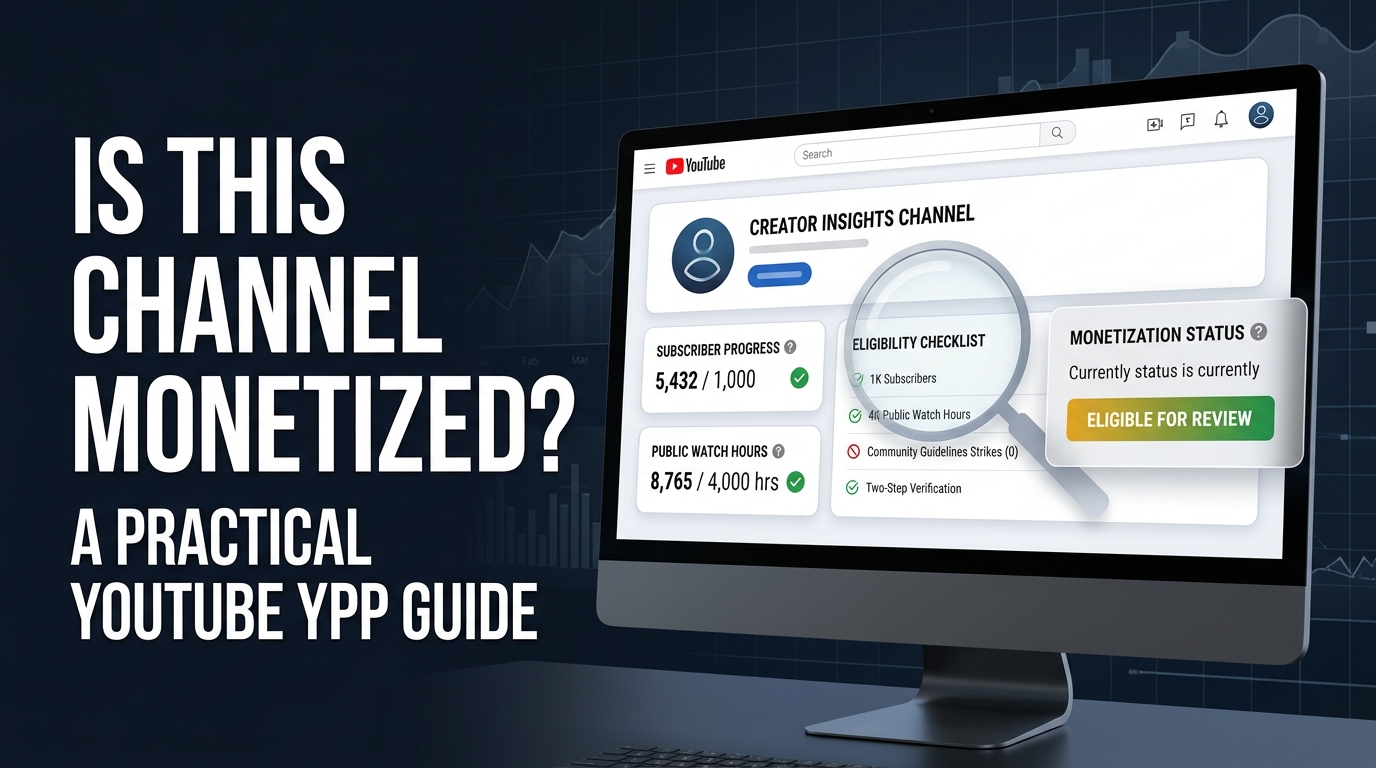
Is This Channel Monetized? A Practical YouTube YPP Guide
Learn how to check if a YouTube channel is monetized, what ads can prove, current YPP requirements, and how to monetize your own channel.
Read guide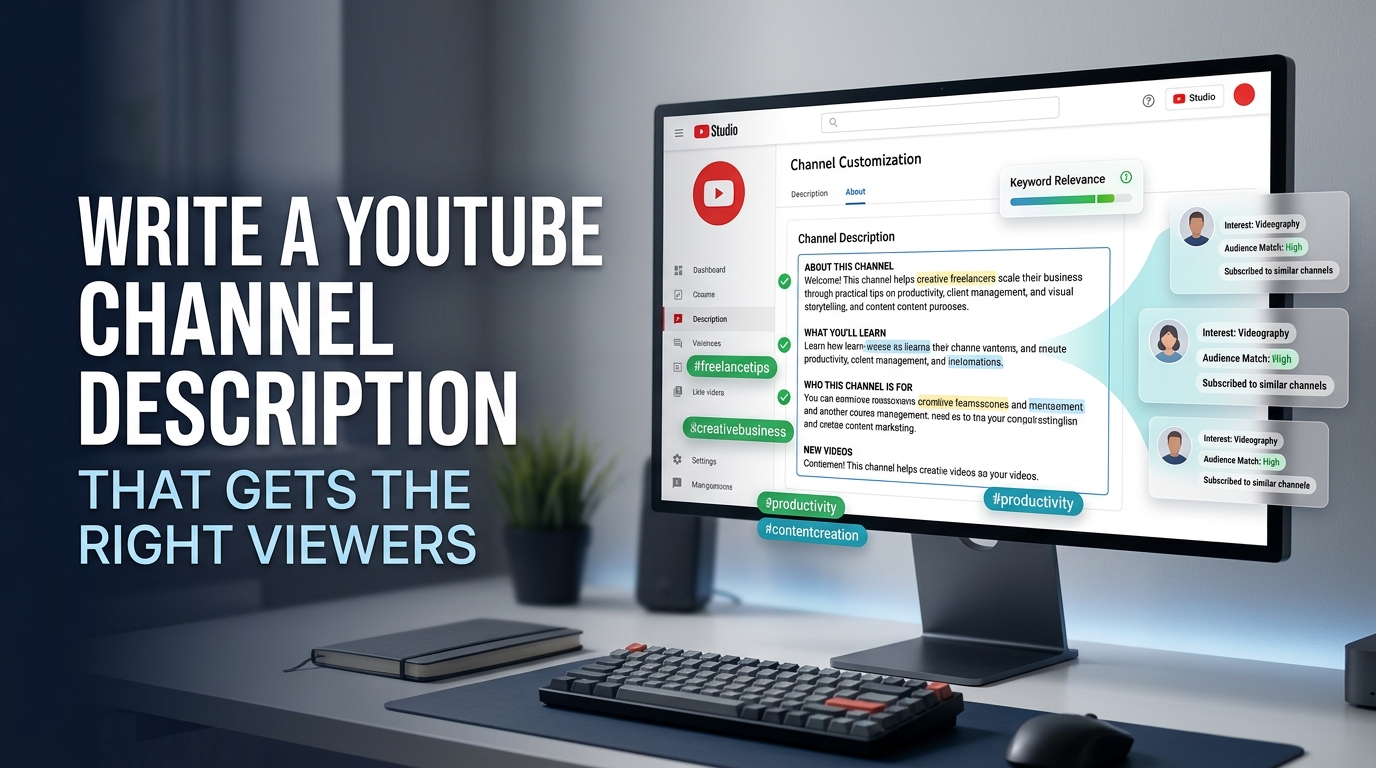
Updated
How to Write a YouTube Channel Description? (A Complete Guide)
Learn how to write a YouTube channel description with a clear formula, SEO examples, a reusable template, links, and common mistakes to avoid.
Read guide
Updated
vidIQ vs TubeBuddy (2026): Which YouTube Tool Is Better?
vidIQ vs TubeBuddy compared for 2026: pricing, keyword research accuracy, hashtags and trends, A/B testing, and which tool is better for your channel.
Read guide📬 New tools and growth guides, by email
We email when a new free tool or guide goes live. No spam, unsubscribe anytime.
💡 Press Ctrl+D (⌘+D on Mac) to bookmark YT Crew for your next video.