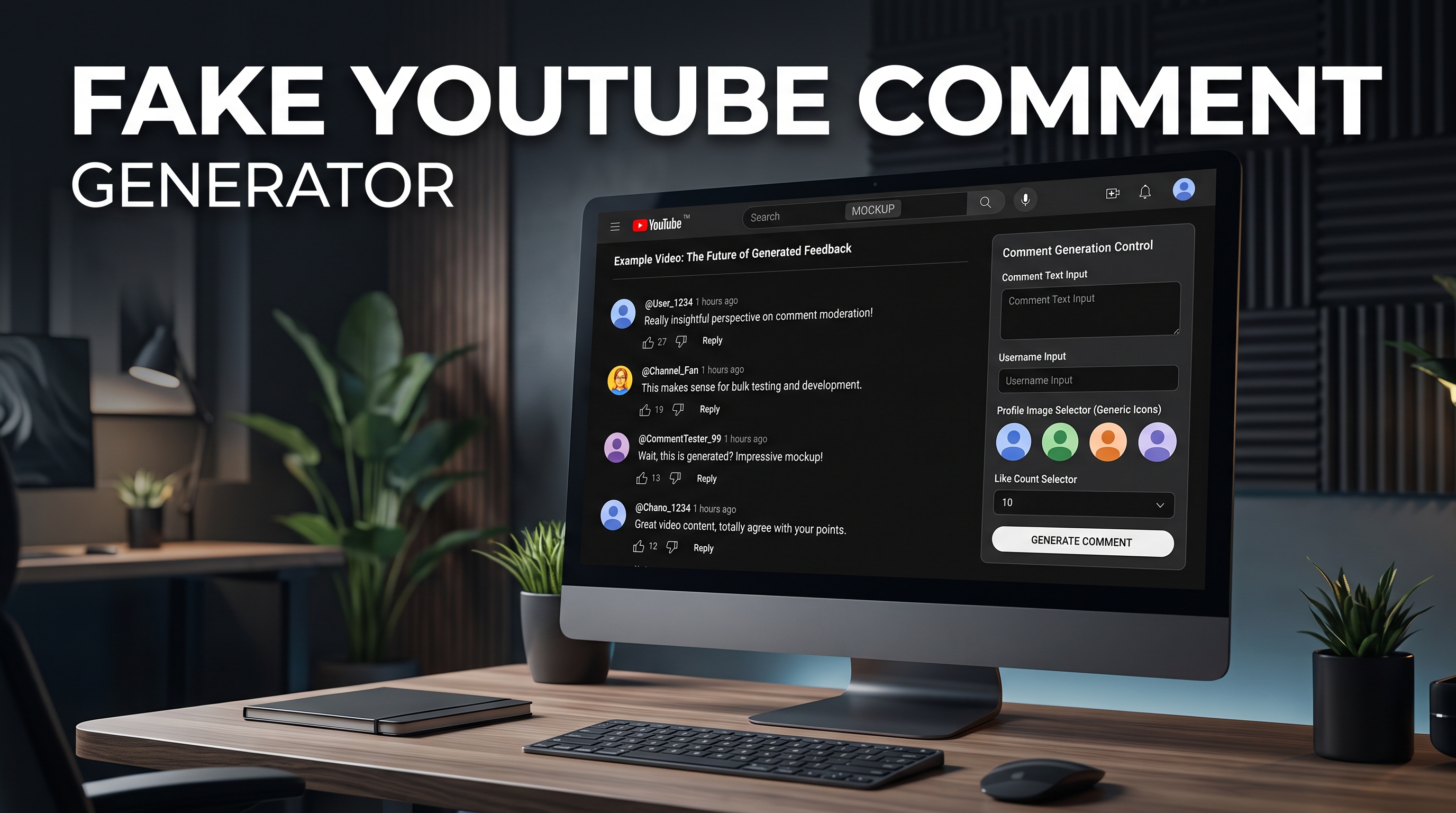
Need a realistic-looking YouTube comment for a meme, a video mockup, or a design preview — without actually posting anything on YouTube?
A fake YouTube comment generator does exactly that: it builds a screenshot-style comment with a custom username, avatar, comment text, likes, and reply count, styled to look just like the real thing.
In this guide, you'll learn how these generators work, the best free options, and the most common (and legitimate) reasons creators use them.
What Is a Fake YouTube Comment Generator?
It's a free tool that lets you type in a username, comment text, timestamp, and like count, then generates an image that visually matches YouTube's real comment section design.
It doesn't post anything to actual YouTube videos — it simply creates a shareable graphic that looks like a comment.
That distinction matters, since the tool is built for visual content creation, not for faking engagement on a live video.
How to Use a Fake YouTube Comment Generator
Most tools, including YT Crew's, follow the same simple flow:
Enter the commenter's name and upload or pick an avatar.
Type the comment text.
Set the like count, reply count, and timestamp (e.g., "2 days ago").
Generate and download the image.
The whole process takes under a minute, and you get a PNG you can drop straight into a thumbnail, video, or social post.
Why Creators Use Fake YouTube Comment Generators
There are several legitimate use cases behind this tool's popularity:
Meme creation — recreating a viral or funny comment format for humor content
Video mockups — showing clients or teams what a comment section will look like before a video goes live
Thumbnail design — using a fake comment as a visual hook in a thumbnail
Course and tutorial content — demonstrating "what good engagement looks like" without exposing real user data
Testing UI/UX designs — designers mocking up comment sections for apps or sites
Fake YouTube Comment Generator vs. Fake YouTube Video Maker
These are two different tools people often search for together.
A fake YouTube comment generator creates a single comment graphic.
A fake YouTube video maker creates an entire mock video player — thumbnail, title, channel name, view count, and comment section combined — to simulate what a full video page would look like.
If you're building a complete mockup (for a pitch deck or a meme format), you'll likely want both tools together.
Fake Youtube Comments From Real Users Generator — What This Actually Means
This search phrase usually refers to wanting a comment that looks like it came from a real, everyday user (natural username, casual tone, realistic like count) rather than an obviously fake or bot-style comment.
Good generators let you customize the tone and style enough to make the comment look organic — casual phrasing, realistic reply counts, and a normal-looking profile photo — instead of defaulting to generic placeholder text.
Youtube Comment Picker (Different Tool, Same Cluster)
If you searched "YouTube comment picker" expecting this same tool — it's actually a different one.
A comment picker randomly selects a winner from real comments on your video, typically used for giveaways. It pulls from actual comments rather than generating fake ones.
If that's what you need, look for a YouTube Giveaway/Comment Picker tool instead of a comment generator.
Free Youtube Comments — Are There Real Alternatives?
Searches for "free YouTube comments" are sometimes looking for services that add real engagement to a video. It's worth knowing upfront: buying or generating fake engagement on live videos violates YouTube's Community Guidelines and can get a channel penalized.
A comment generator tool avoids that risk entirely, since the output is a standalone image, not something posted to an actual video.
FAQ
Is using a fake YouTube comment generator against YouTube's rules? No — since the tool creates a downloadable image rather than posting anything to YouTube, it doesn't interact with the platform at all.
Can I customize the username and profile picture? Yes, most generators, including YT Crew's, let you set a custom name, avatar, like count, reply count, and timestamp.
What's the difference between a comment generator and a comment picker? A comment generator creates a fake comment image from scratch. A comment picker randomly selects a winner from real, existing comments on a video — usually for giveaways.
Can I use the generated comment in a thumbnail? Yes, the output is a standard image file (PNG/JPG), so it works in thumbnails, videos, or social posts.
Is this tool free? Yes, YT Crew's Fake YouTube Comment Generator is completely free to use, with no watermark.
Try It Yourself
Ready to create your own mock comment? Try [YT Crew's free Fake YouTube Comment Generator] and save your image in seconds.