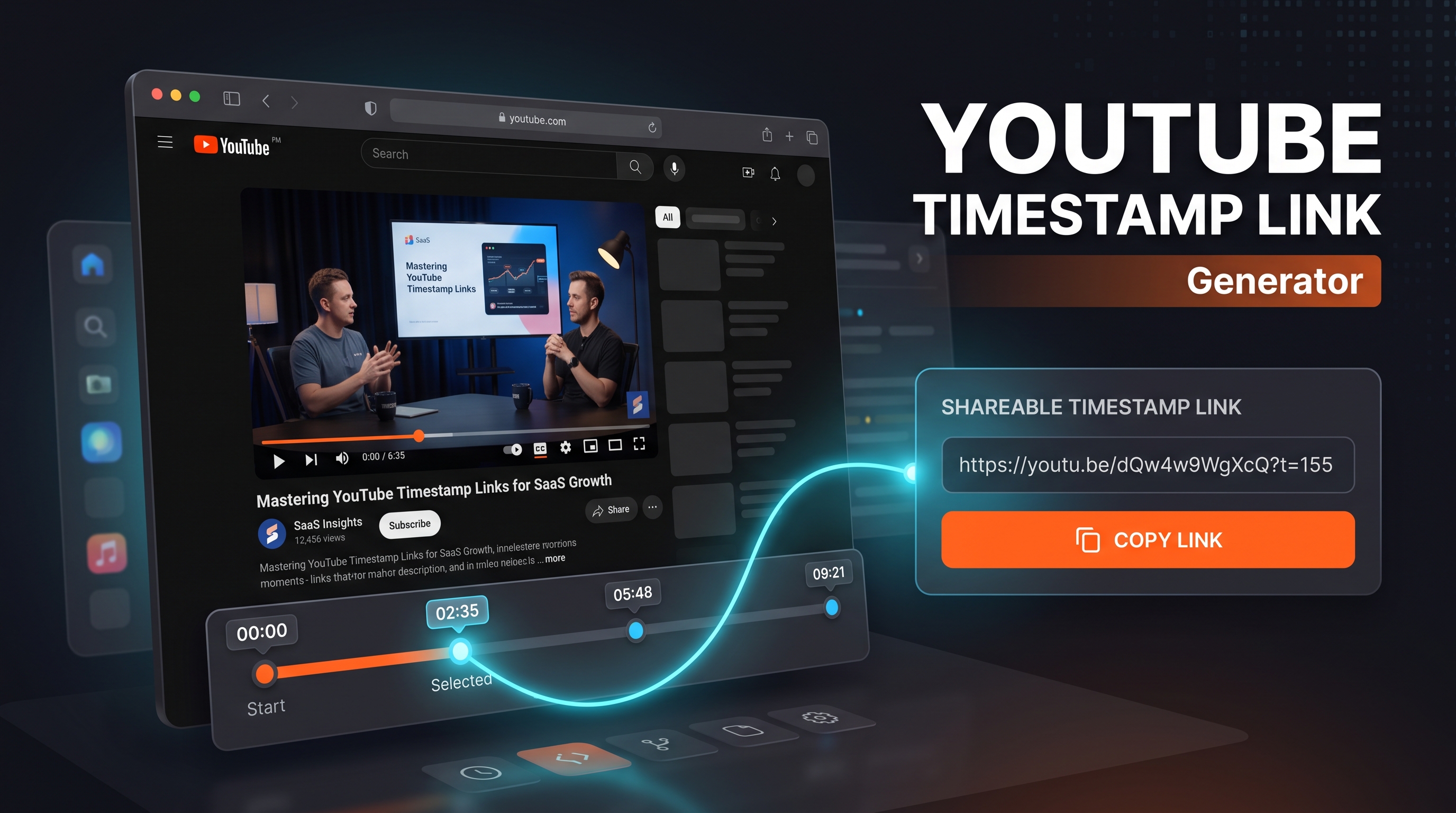
Ever wanted to send someone a YouTube link that skips straight to the good part instead of the beginning?
That's exactly what a timestamp link does — and you don't need any special software to make one.
In this guide, you'll learn how to create a timestamped YouTube link manually in under 10 seconds, plus how a YouTube timestamp link generator tool can do it even faster with extra options like custom text and bulk links.
We'll also cover how to convert any YouTube video into a shareable link and the most common ways creators use timestamp links to boost engagement.
What Is a YouTube Timestamp Link?
A YouTube timestamp link is a normal video URL with an added time parameter that tells YouTube to start playback at a specific second instead of from the beginning.
For example, a link ending in ?t=90 starts the video 90 seconds in.
Creators use these constantly — for chapter references in comments, tutorial steps, highlight clips, or pointing someone straight to a specific moment in a long video.
How to Manually Create a Timestamped YouTube Link (Desktop)
You can do this without any tool at all, directly on YouTube.
Open the video and let it play (or pause) at the exact moment you want to link to.
Right-click on the video player.
Click Copy video URL at current time.
YouTube automatically appends the correct &t= parameter to the link based on where the video was paused.
That's the full manual method — no typing timestamps yourself, no guessing seconds.
Manually Editing the URL
If you already know the exact second you want, you can also just edit the link directly:
https://www.youtube.com/watch?v=VIDEO_ID&t=125s
Replace 125 with the number of seconds where you want playback to start.
How to Create a Timestamp Link on Mobile
The mobile app has the same feature, just accessed differently.
Tap the Share button below the video.
Turn on the toggle labeled Start at [current time].
Copy the generated link.
This grabs whatever timestamp the video is currently paused or playing at, so scrub to the right moment first.
Using a YouTube Timestamp Link Generator Tool
The manual method works fine for one-off links. But if you're making several timestamp links at once, adding custom labels, or want a clean shortened link to share, a dedicated YouTube Timestamp Link Generator tool speeds things up.
With YT Crew's free Timestamp Link Generator, you just paste the video URL, set the minute and second, and it instantly builds the correct link — no manual editing, no right-clicking through the player.
This is especially useful for:
Creators writing video descriptions with multiple chapter links
Course creators linking students to specific lesson timestamps
Support teams pointing users to the exact step in a tutorial
How to Convert a YouTube Video to a Link
If you're looking to simply turn any YouTube video into a shareable link (not necessarily a timestamped one), it's even simpler:
Open the video on YouTube.
Click Share underneath the video (desktop) or the Share icon (mobile).
Click Copy to copy the standard video link.
This gives you the base URL — the same one you'd add a timestamp parameter to if needed.
How to Make a YouTube Link (Full Walkthrough)
If you're new to sharing YouTube content, here's the complete process from start to finish:
Find or upload your video on YouTube.
Click the Share button.
Choose to copy the direct link, or use the built-in options to share to specific platforms.
Optional: add a timestamp using either the manual or generator method above.
That's a complete, ready-to-share YouTube link.
Why Timestamp Links Improve Engagement
Sending someone a full 20-minute video with no timestamp means they either watch the whole thing or give up. A timestamp link removes that friction entirely.
Creators who add timestamps in comments and descriptions typically see longer watch time on the linked segment, since viewers land exactly where they intended to click.
FAQ
How do I convert a YouTube video into a link with a specific timestamp? Right-click the video while it's paused at your chosen moment and select "Copy video URL at current time," or use a YouTube Timestamp Link Generator to set the exact minute and second manually.
What does the "t=" in a YouTube URL mean? It's the time parameter that tells YouTube where to start playback, measured in seconds (or minutes/seconds using a format like t=1m30s).
Can I add multiple timestamps to one YouTube video description? Yes — list each one as 0:00 Intro, 1:15 Topic 1, etc. YouTube automatically turns properly formatted timestamps in descriptions into clickable chapter links.
Do timestamp links work on YouTube Shorts? No — Shorts doesn't support the time parameter since it's designed for short, single-view playback.
Is there a free tool to generate YouTube timestamp links? Yes, YT Crew's Timestamp Link Generator creates these instantly for free — just paste your video URL and set the time.
Try It Yourself
Skip the manual right-click method entirely — generate a clean, shareable timestamp link in seconds with Our free YouTube Timestamp Link Generator.